
Your shop, run by the AI you already talk to.
Your advisor's day is full of small jobs that aren't wrench work: finding a customer's number, booking an appointment, checking a car in, looking up what you quoted last month. Bayline's AI integration hands those jobs to the AI assistant you already use — so your people spend their time with customers and cars, not screens.
AI is going to change how a shop operates — who answers the questions, how appointments get booked, how the day gets run. Bayline's vision is simple: that change comes with your subscription. Not another product to buy, not an add-on to rent. It's part of Bayline.
Start free trial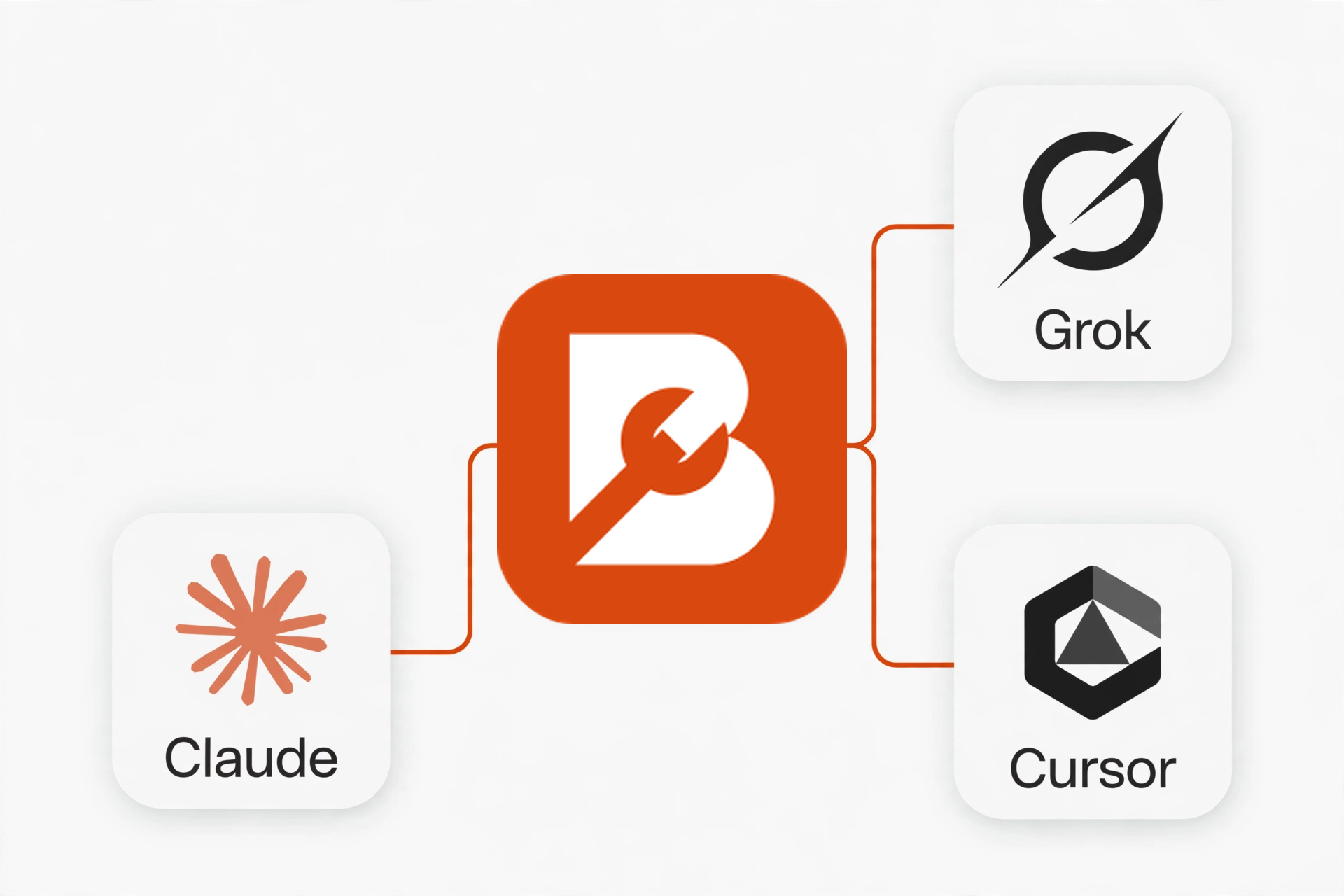
Bayline, connected to the AI you already use.
What is MCP?
The open standard that lets an AI use software the way you do.
Think of it like this: your AI is a great new hire, but on its first day it can't see your schedule, your customers, or your repair orders. MCP is what gives it safe, permissioned access to Bayline — so when you ask it something about your shop, it looks it up instead of guessing.
It is an open standard, not a Bayline invention and not locked to one AI company. If you switch AI assistants later, your shop software doesn't have to change.
What it can do
Not a roadmap. Things it does in Bayline today.
Appointments — booked, changed, and checked in by talking.
Ask your AI to book an appointment, move one, cancel one, or check a customer in — and it does it. Checking in creates the repair order, with the first job already written from the customer's concern, so the car is on the board before the customer sits down.
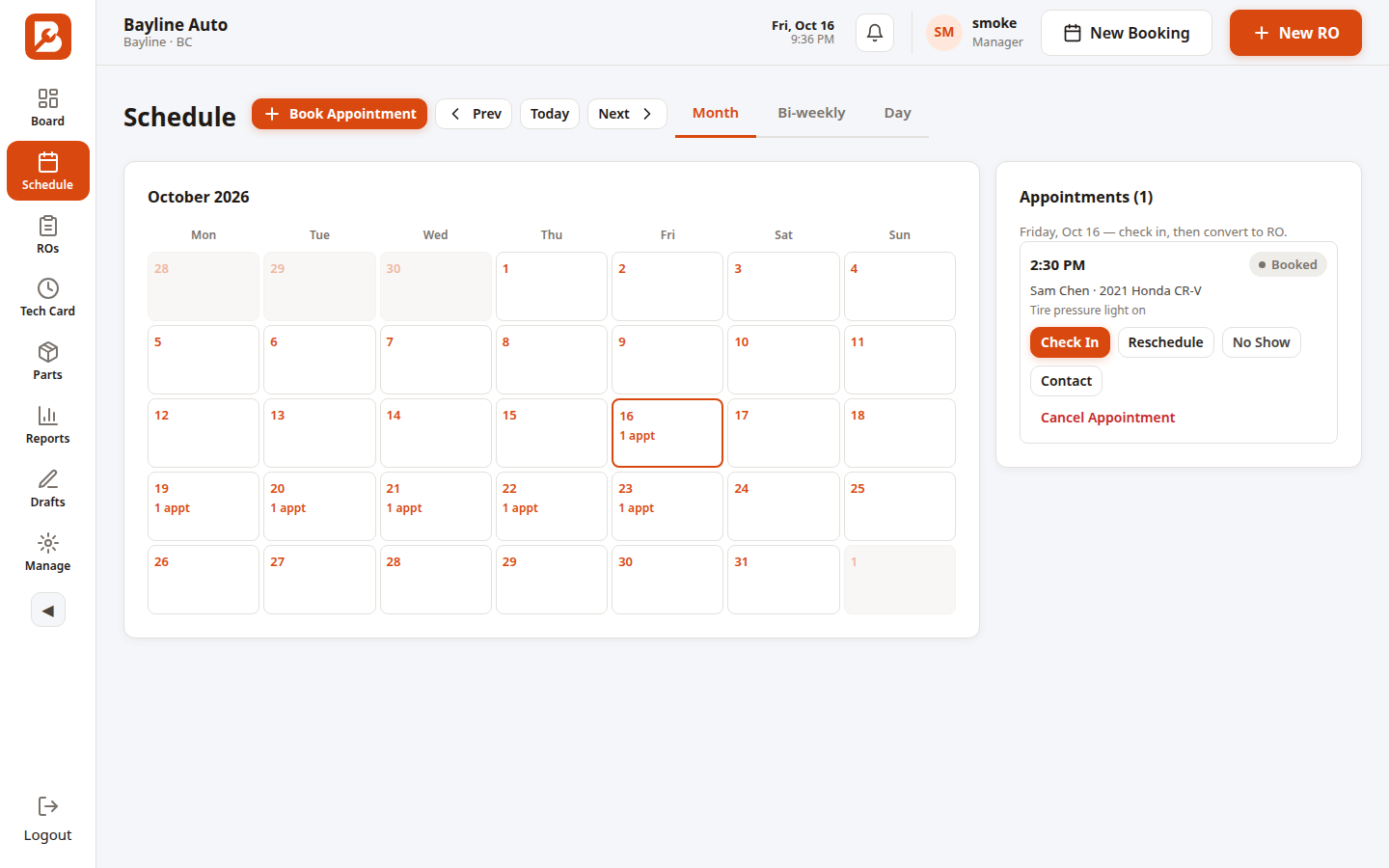
The schedule your AI books into.
Customers and vehicles — found, added, and kept up to date.
"When did Mrs. Lee's RAV4 last come in?" — the AI looks it up, vehicles and past repair orders included. New customer? It adds them. Changed phone number or licence plate? It updates it. If the customer already exists, it finds them instead of making a duplicate.
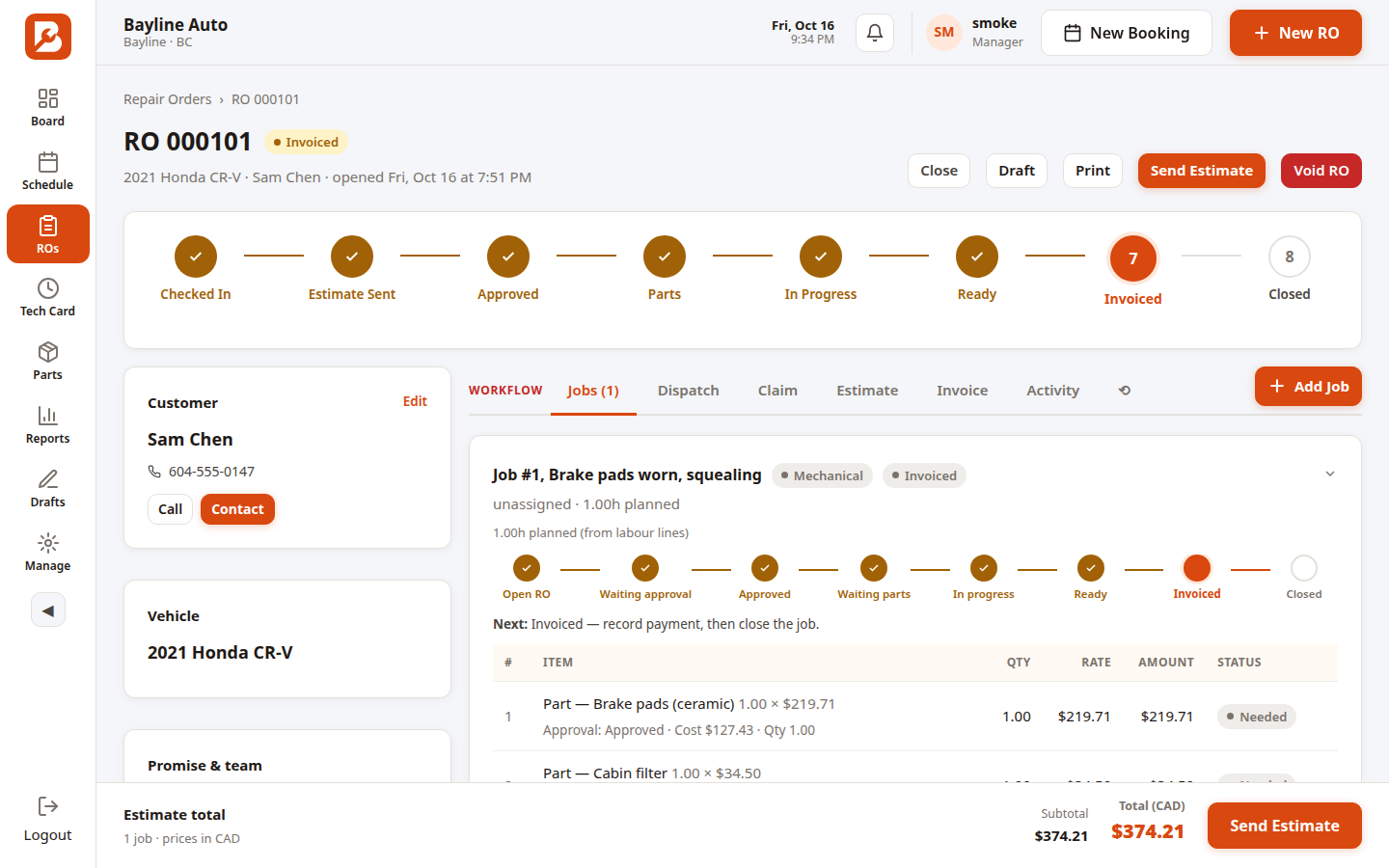
Customer, vehicle, and history — one lookup.
The shop floor — board, schedule, and the work itself.
The AI can read today's board and schedule, open any repair order with its jobs and lines, log found work on a job while the tech is still under the car, and save the repair story — the same things your advisors do at the desk, from wherever they ask.
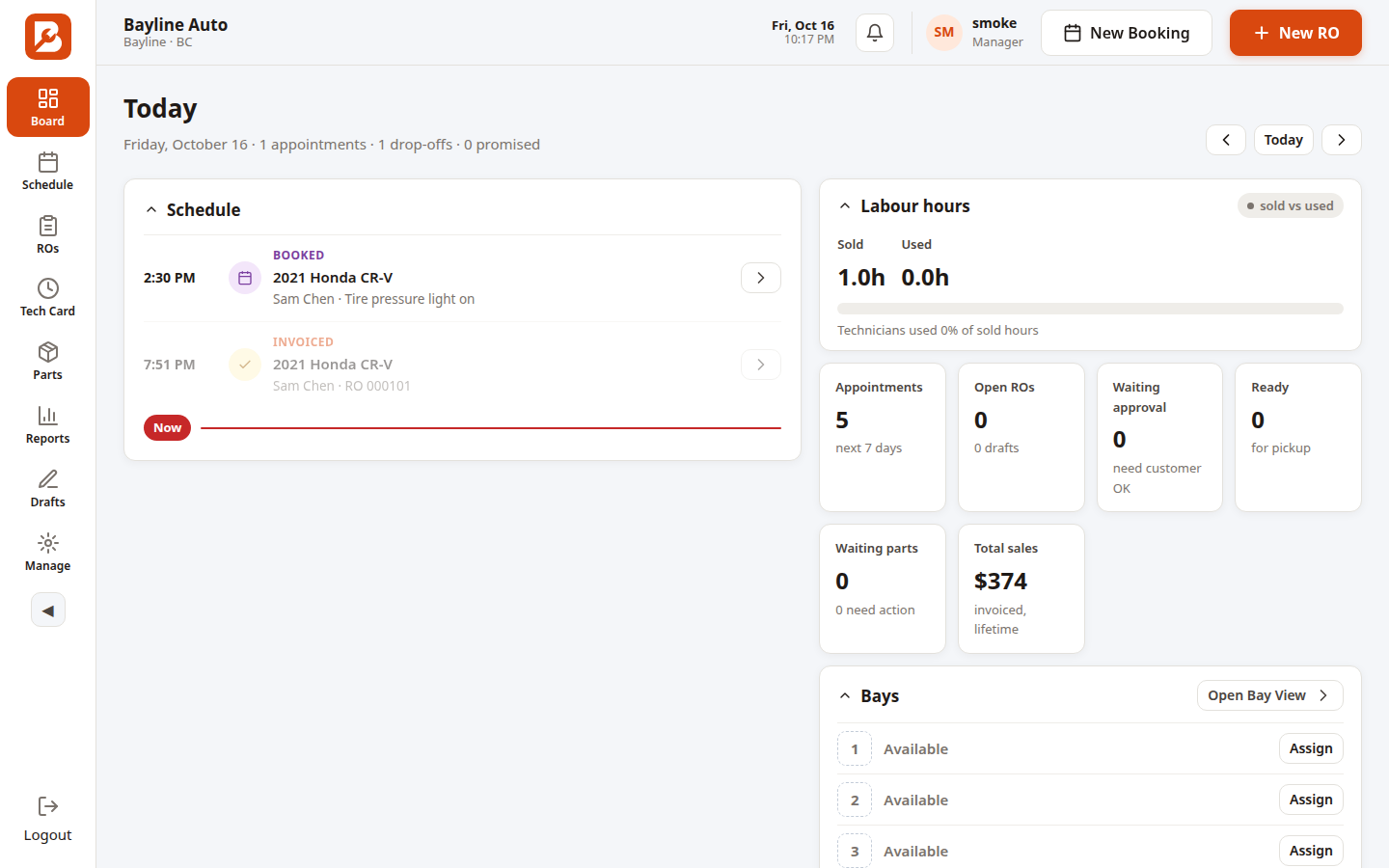
Today's board, as your AI reads it.
Quotes and money — estimates, invoices, and reports.
"What did we quote on RO 000042?" The AI reads the estimate — the frozen quote, its status, and what the customer approved. It can pull invoices and run the reports: sales, gross profit, work in progress, technician productivity, estimate win rate.
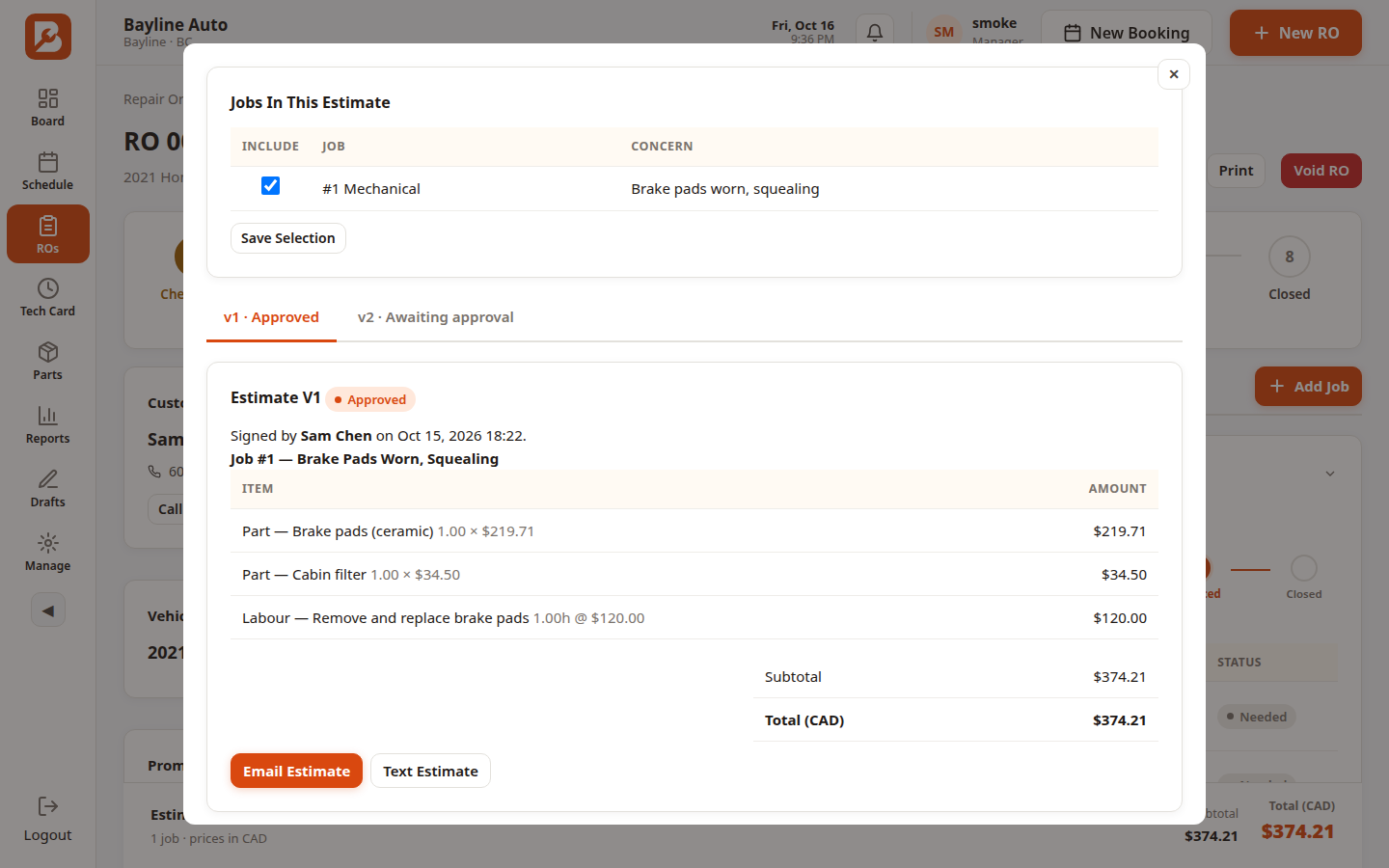
The quote your AI can read back to you.
Parts — looked up before you walk to the shelf.
Part numbers, what's on hand, and what's running low — the AI checks before anyone walks to the parts room.
Stock answers without the walk to the parts room.
Why Bayline's MCP is different
Other shop software sells you their AI. Bayline connects to yours.
Other platforms rent you a built-in receptionist, a built-in chatbot, an add-on by the month. You use their AI, on their terms — and if you leave, the AI leaves with them. Bayline does the opposite.
Your AI, not theirs.
You bring the assistant you already trust — Grok, Claude, Cursor — and it works on your shop. We don't make you learn, or pay for, a separate Bayline chatbot.
It does things, not just answers questions.
Most AI add-ons read your data and talk about it. Bayline's MCP also acts: it books, updates, cancels, checks in, logs found work — with the same rules your portal enforces, so a booked appointment can't be cancelled after check-in, and a void repair order can't be changed.
Your shop only, always.
Your AI sees your shop and nothing else. Access is granted per shop, split into read and write, and you can revoke it in one click from Shop Settings. Nothing is ever shared between shops, and nothing is ever sent on its own — the AI never messages a customer without a human saying so.
The AI connections card in Shop Settings.
One flat price, no per-seat AI tax.
Bayline is $69 CAD a month, flat, no per-user fees — and the AI integration is included with your subscription at no extra charge. Other platforms charge per seat or per location, so the bill grows every time you add a person. Here it doesn't, and the AI doesn't cost extra either.
Which AI platforms it supports
Tested and ready to integrate.
Grok — proven live.
Connected and proven end to end: add a customer, add their vehicle, book the appointment, attach the vehicle — run through Grok.
Cursor — tested and ready.
Connect with your Bayline sign-in.
Claude.ai — tested and ready.
Connect with your Bayline sign-in.
ChatGPT — on the way.
Coming. The connection is built; the final end-to-end test is still ahead. It moves up to the tested list the day it passes.
Meta Muse is not listed: Meta publishes no user-facing setup for connecting an MCP server in the Muse app, so there is no honest "connect" step to show a shop owner. Any MCP-compatible assistant can still connect with a shop token from Shop Settings.
How it works
Three steps, then ask away.
1. Sign in once.
In Shop Settings, open AI connections and connect your assistant with your Bayline sign-in. No tokens to copy by hand for the sign-in platforms.
2. Pick what it can do.
Read-only, or read and write. A read-only assistant can look things up but can't change a thing.
3. Revoke anytime.
One click removes access. Outstanding sessions end when their hour is up.
Questions shops ask
Straight answers.
No. Your connection is scoped to your shop alone.
No. Nothing is ever sent on its own — a human approves anything that goes out.
Revoke it in Shop Settings. Done.
No. The AI integration is included with your $69 subscription at no extra charge.
Less paperwork. More wrenches. Let your AI do the desk work.
 Start free trial
$69 CAD/month flat. No per-user fees. Cancel anytime. Hosted in Canada.